
Articulate Rise
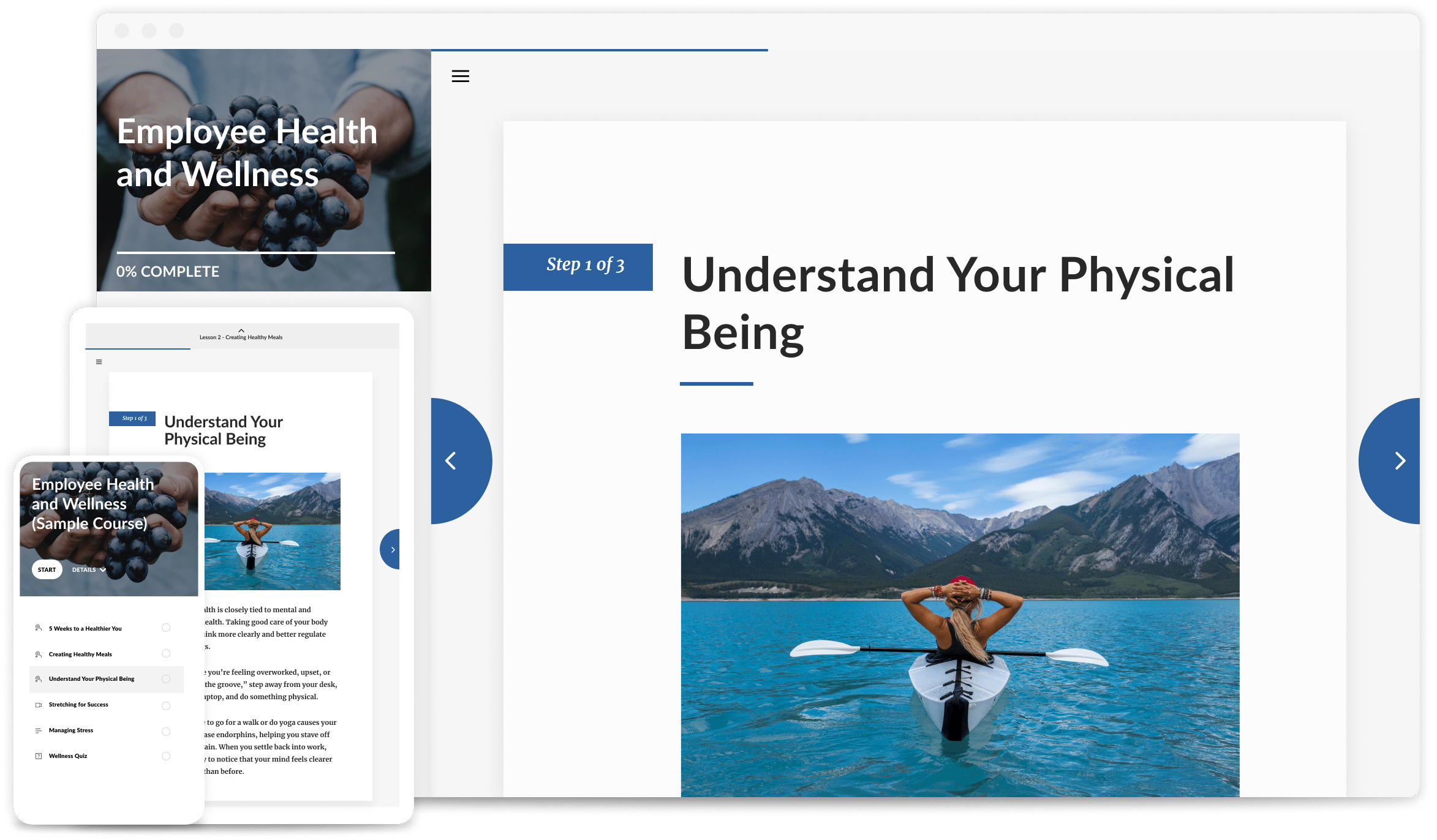
Turn your content into sleek, interactive courses that just work, no matter where you are or which device you’re using. With Rise, you can create learning that’s fast to build, easy to share, and adaptable for real life.

Explore the Articulate platform
What is Articulate Rise?
Rise is built for L&D teams who need to move fast without sacrificing quality. Whether you’re updating training or creating something new from scratch, Rise lets you deliver courses that look great on any device.
What we love about Rise
Rise is designed for L&D teams who need to create high-quality learning quickly. Whether you’re refreshing existing content or building something new, Rise makes it easy to design structured, responsive courses that work seamlessly across devices.
Authoring made easy
With intuitive media and interactive blocks, you can focus on content while Rise handles your layout.
Expansive content library
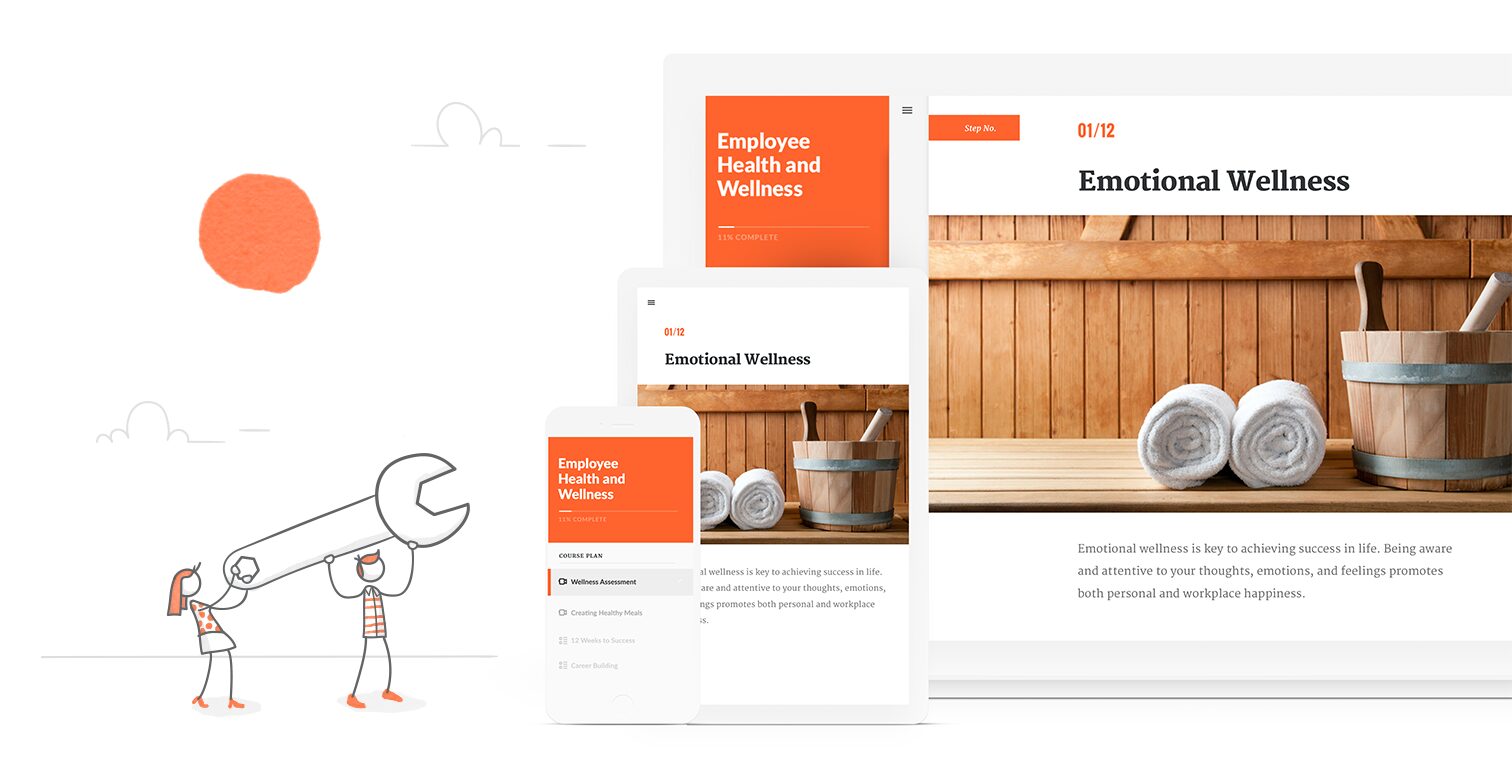
Don’t start from scratch. Tap into a ready-made library of templates, images, videos, and more.
Powered by AI
Get the guidance you need, and the control the want, with an in-built AI Assistant. There to help when you need it.
Ready for every screen
No matter the time, place, or device, make every experience consistent and all content responsive.
Explore the Articulate platform
There’s so much built into Articulate.
Discover what you’ve got at your fingertips.
AI Assistant
AI built with L&D in mind. Draft, refine, and speed up course creation while staying in control.

Localization
Translate and adapt learning effortlessly – publish courses in multiple languages whilst maintaining quality and context.

Storyline
Build any course you can imagine, including scenarios and simulations – giving you full creative control over how learners explore.
Review
Collaborate with your team across the globe. Gather and share in-context feedback in a dedicated space for alignment.
Reach
Deliver training with ease. Track progress, support learners and keep courses moving with built-in engagement tools.

Master Rise with expert training
Whether you’re new to Rise or looking to improve consistency across your content, our Articulate experts at OL can help. Our dedicated Rise course is designed to help you get more from the platform.

Subscription and pricing
Choose the Articulate 360 plan that fits your team’s needs.
Free Trial
£0
Start creating with Articulate 360 today.
- Explore Rise and Storyline
- Try AI Assistant features
- Build and preview courses
- Test publishing workflows
- No commitment
Teams
£1,425
/year
Per user, + VAT.
Built for organisations creating learning together.
- Everything in Personal
- Co-authoring and shared slides
- Centralised admin and licensing
- SSO and enterprise security
- Distribute learning with Reach
Personal
£1,135
/year
Per user, + VAT.
Designed for individual creators.
- AI-assisted course creation
- Built-in writing support
- Generate visuals and assessments
- Create and publish independently
- Fast, flexible authoring tools
Book a demo
See what your team can do with Articulate as their superpower.
Frequently asked questions
Got questions? Browse our most asked questions below, or contact us for more detailed support and guidance.
Rise 360 is a web app that lets you create beautiful, fully-responsive courses fast.
Rise 360 courses use the latest web technologies, so they automatically adapt to any device, no extra work required. Rise 360 is responsive authoring the way it should be.
Yes. You build a Rise 360 course once, and it’s fully responsive. You don’t have to do any extra work to make a Rise 360 course fit each computer, tablet, or smartphone screen. It’ll automatically adapt to each device and screen orientation. It couldn’t be easier to create beautiful courses for any device.
You need a Mac or Windows desktop/laptop computer to author Rise 360 courses (though you can view Rise 360 courses on any device).
Yes, Rise 360 supports Web Content Accessibility Guidelines (WCAG) 2.1 Level AA. See our VPAT® for details. Learn more about Rise 360 accessibility. And be sure to follow our accessibility journey for all the latest enhancements.
They can! Rise 360 supports translation for left-to-right languages and double-byte character sets, such as Chinese and Japanese.
Yes. If you just need to quickly deliver everyday training, open your course for editing, click Publish in the upper right corner, select Quick Share, copy the shareable link, and send it to your learners. Quick share links can’t be embedded in web pages.
To create a web package of your Rise 360 training that you can host on your own web server, open it for editing, click Publish and select Web. You’ll get a zip package containing all the files for your course. Just extract the zip package, upload the files to your web server, and give learners a link to the index.html file.